Skip to content
AI video creation built for education

Turn lessons into videos people actually want to watch.

Talegate turns lessons and scripts into polished educational videos with storyboards, visuals, motion graphics, voiceover and a real editing timeline — all in one place.

Start creating

From lesson to finished video in one workflow.

The Talegate editor working on the lesson “How Solar Panels Work”: a scene list, a video preview of the current scene, an inspector for scene, style, visual and animation settings, and a timeline with scene, visual, text and voice tracks.
How Solar Panels Work
00:00 / 03:12
From lesson to finished video

Your lesson already knows what the viewer should see.

Talegate reads what is being taught, breaks it into scenes, and directs a visual for each one. The result is a finished video that is still a fully editable project.

Lesson scriptPasted text

How Solar Panels Work — Lesson 3

Solar panels convert sunlight01 into electricity using photovoltaic cells02. When photons hit the semiconductor material, they knock electrons loose03. Those electrons flow through the cell as a direct current, which an inverter converts so it can power a home04.

  1. Scene 01Sunlight
  2. Scene 02Photovoltaic cells
  3. Scene 03Electron movement
  4. Scene 04Electricity reaches the home
How Solar Panels Work2:07Editable

Four scenes, directed from four ideas in the lesson.

How it works

One lesson.One workflow.A finished video.

  1. 01

    Add your lesson

    Paste a script, upload content or start with your narration.

  2. 02

    Talegate directs it

    The lesson is broken into scenes and visually storyboarded around what is being explained.

  3. 03

    Visuals come to life

    Talegate creates diagrams, callouts, imagery, footage and motion graphics for each scene.

  4. 04

    Everything is synchronized

    Narration, timing, scenes and visual changes align automatically.

  5. 05

    Make it yours

    Edit any scene, text, visual, animation or timing.

  6. 06

    Export

    Render your finished educational video.

Instructor footage

Already filmed your lesson?Talegate edits around you.

Upload lecture footage. Talegate scans it, finds the instructor, traces their outline and builds visuals around them, even behind them.
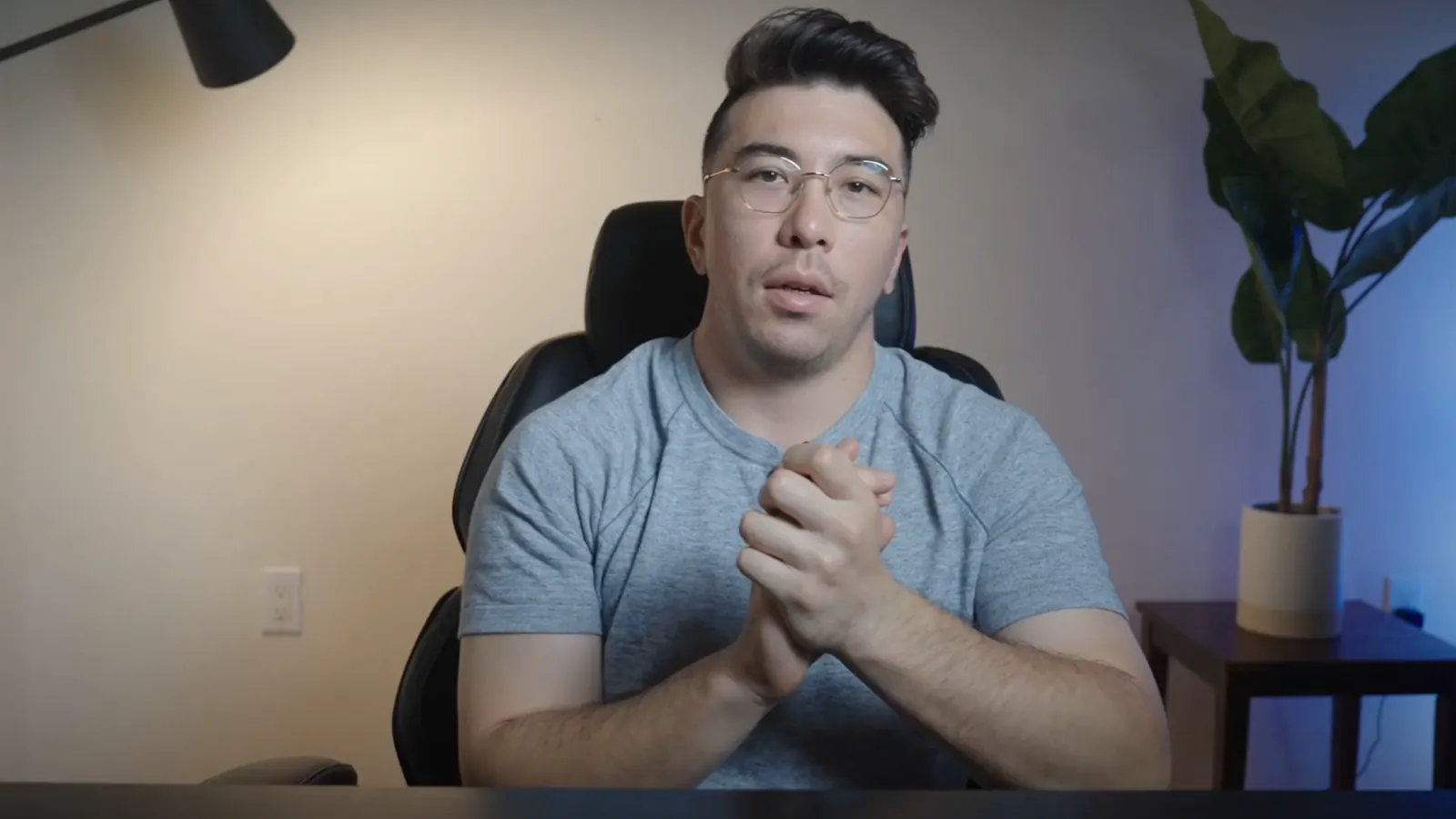
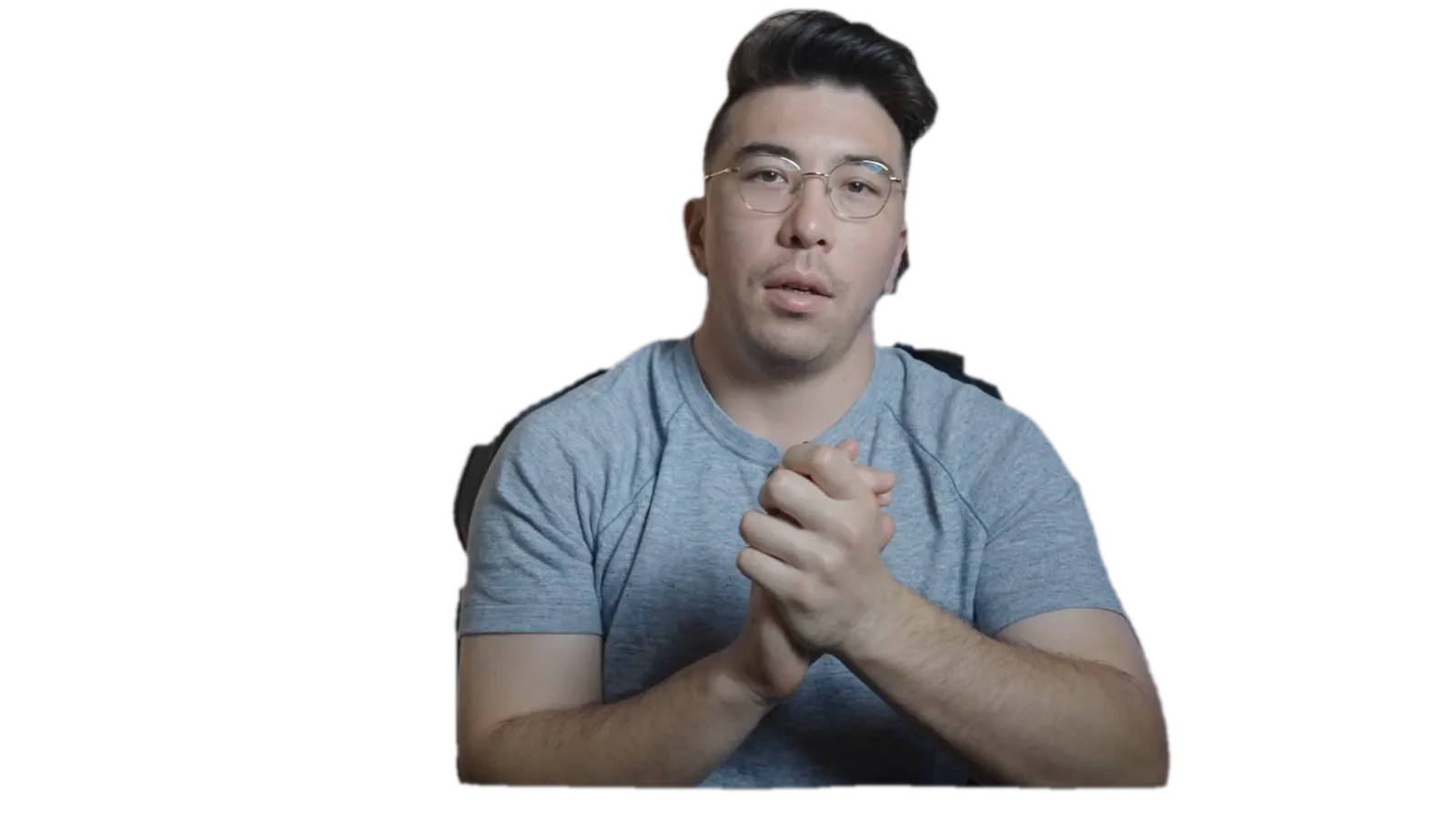
lecture-04-compound-interest.mp4 Analyzing footage

Talegate analyses the footage and what is being said.

Narrative-aware visuals

Built for teaching.Not just generating clips.

Most AI video tools begin with templates. Talegate begins with the lesson. It reads what each sentence is teaching and chooses the way of showing it.

  • Narration

    “Sales increased 42%”

    Animated chart

  • Narration

    “Inside a lithium-ion battery…”

    Technical diagram

  • Narration

    “Steve Jobs introduced the iPhone…”

    Contextual footage layout

  • Narration

    “Three reasons this happens…”

    Animated callout structure

  • Narration

    “The request travels from client to server…”

    Process diagram

Motion graphics

Every scene is composed from diagrams, data, typography, footage and callouts chosen for what the narration is explaining.

  • Animated diagramHeat pump cycle
  • Data visualizationCompound vs. simple growth
  • Portrait + quotePrimary source on screen
  • Cinematic footage + calloutsLabels pinned to the shot
  • Technical explainerInside a jet engine
  • Software walkthroughInterface, with focus states
Brand consistency

Every lesson looks like your course.

Set your brand once. Every scene Talegate generates uses the same logo, colors, typography, text styles, image treatment and motion style, so a 40-lesson course looks like one course.

Brand kitApplied to 12 lessons
Logo
course-mark.svg
Primary color
#56BFC7
Secondary color
#EDC843
Font
Aa Mazzard
Text styles
Title · Caption · Label
Image treatment
Cool tint · soft grain
Motion style
Ease-out · 400 ms
Showing three lessons styled with the Night kit.
Lesson 1 · Intro
Lesson 2 · Concept
Lesson 3 · Example

Example kits shown for illustration.

Use cases

Built for everyone who teaches on video.

  • Online courses

    Transform lessons into polished course videos.

  • Corporate training

    Create training content without assembling a production team.

  • Software education

    Turn product knowledge into visual walkthroughs and explainers.

  • Educational YouTube

    Produce richer visual storytelling without manually editing every shot.

  • Instructional design

    Move from learning material to finished media in one workflow.

  • Universities

    Scale educational media while maintaining a consistent standard.

Comparison

A different way to create educational video.

Where Talegate fits between hand-built editing and generic AI generators.

  • Storyboarding

    Traditional editing
    Not typically: Typically manual
    Generic AI video tools
    Partly: Often template-driven
    Talegate
    Yes: Planned from the lesson
  • Scene planning

    Traditional editing
    Not typically: Done by hand
    Generic AI video tools
    Partly: Often one scene per prompt
    Talegate
    Yes: Automatic, per concept
  • Narrative-aware visuals

    Traditional editing
    Not typically: Depends on the editor
    Generic AI video tools
    Partly: Often stock or avatar based
    Talegate
    Yes: Chosen for what is explained
  • Motion graphics

    Traditional editing
    Partly: Manual animation work
    Generic AI video tools
    Partly: Often limited to presets
    Talegate
    Yes: Generated per scene
  • Long-form educational workflows

    Traditional editing
    Partly: Possible, time-intensive
    Generic AI video tools
    Partly: Often built for short clips
    Talegate
    Yes: Designed for full lessons
  • Editable scenes

    Traditional editing
    Yes: Full control
    Generic AI video tools
    Partly: Often limited after render
    Talegate
    Yes: Every scene stays editable
  • Timeline control

    Traditional editing
    Yes: Full timeline
    Generic AI video tools
    Not typically: Often no timeline
    Talegate
    Yes: Real timeline
  • Brand consistency

    Traditional editing
    Partly: Manual templates
    Generic AI video tools
    Partly: Often theme presets
    Talegate
    Yes: Brand kit across every lesson
  • Voice / timing synchronization

    Traditional editing
    Not typically: Synced by hand
    Generic AI video tools
    Partly: Varies by tool
    Talegate
    Yes: Automatic

General characteristics of each approach. Individual tools vary.

Examples

Made with Talegate.

Real lessons, from physics to finance. Hover to preview, click to watch.

  • How Batteries Work

    Science · 2:14

    How Batteries Work

    Science · 2:14 · Made with Talegate

    Turn your next lesson into a video like this.

    Start creating
  • Ordinary Annuities

    Finance · 9:09

    Ordinary Annuities

    Finance · 9:09 · Made with Talegate

    Turn your next lesson into a video like this.

    Start creating
  • Open vs. Closed AI Models

    AI · 5:46

    Open vs. Closed AI Models

    AI · 5:46 · Made with Talegate

    Turn your next lesson into a video like this.

    Start creating
  • How Sound Waves Work

    Physics · 2:18

    How Sound Waves Work

    Physics · 2:18 · Made with Talegate

    Turn your next lesson into a video like this.

    Start creating
  • What Makes Up an Interest Rate

    Finance · 4:24

    What Makes Up an Interest Rate

    Finance · 4:24 · Made with Talegate

    Turn your next lesson into a video like this.

    Start creating
  • Inside Hugging Face

    AI · 2:20

    Inside Hugging Face

    AI · 2:20 · Made with Talegate

    Turn your next lesson into a video like this.

    Start creating
Pricing

Cost per minute.

Every option measured the same way: what one finished minute of video costs.

Ask about pricing
Per finished minute · USDTalegate is 37× lower than traditional production
  • Traditional video productionScriptwriting, editing, motion design, revisions
    $150+ per finished minute
  • Seedance 2.0AI-generated video footage
    $22.20 per finished minute
  • TalegateScript, visuals, motion graphics, voice, editing
    Under $4 per finished minute
FAQ

Questions, answered.

Professional educational videos: course lessons, training modules, explainers, software walkthroughs and educational YouTube content. You start from a lesson, script, narration or course content, and Talegate produces a storyboarded, visually directed video.

Yes. Talegate creates the first cut; you keep control. Every scene, text layer, visual, animation and timing stays editable on a real timeline, and you can regenerate only the parts you want.

No. Talegate is designed around long-form educational workflows such as full lessons and multi-lesson courses, not just short clips.

Yes. Based on what the narration is explaining, Talegate creates diagrams, charts, callouts, kinetic text, imagery, footage layouts and motion graphics for each scene.

Yes. A brand kit holds your logo, colors, font, text styles, image treatment and motion style so every scene across a course stays consistent.

Yes. You can replace any generated visual with your own images or footage from the editor's assets panel.

Yes. A Talegate video is an editable project, not a locked render. Rewrite a scene, adjust timing, swap a visual or update your brand, then export again.

Yes. Upload lecture footage and Talegate analyses it, finds and outlines the instructor, and places diagrams, charts and labels around them, including behind them. Every visual stays editable.

Online course creators, educational content teams, corporate learning and development teams, instructional designers, training companies, SaaS teams creating product education, teachers, universities and educational YouTube creators.

Your lesson is already written.Let's turn it into a video.

Start creating

From script to storyboard to final edit — all inside Talegate.